【JP/EN】多機能スポーン管理システム
- ダウンロード商品通常版¥ 300
- ダウンロード商品支援版¥ 600
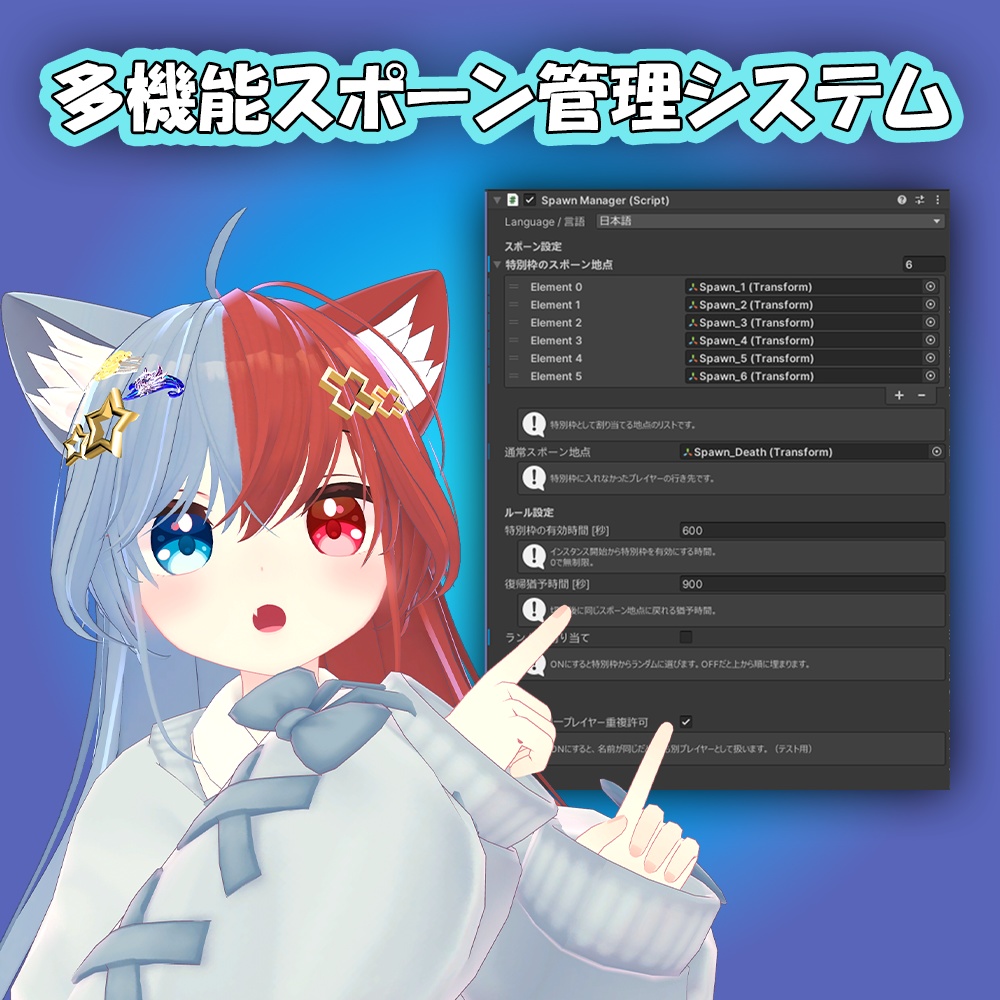
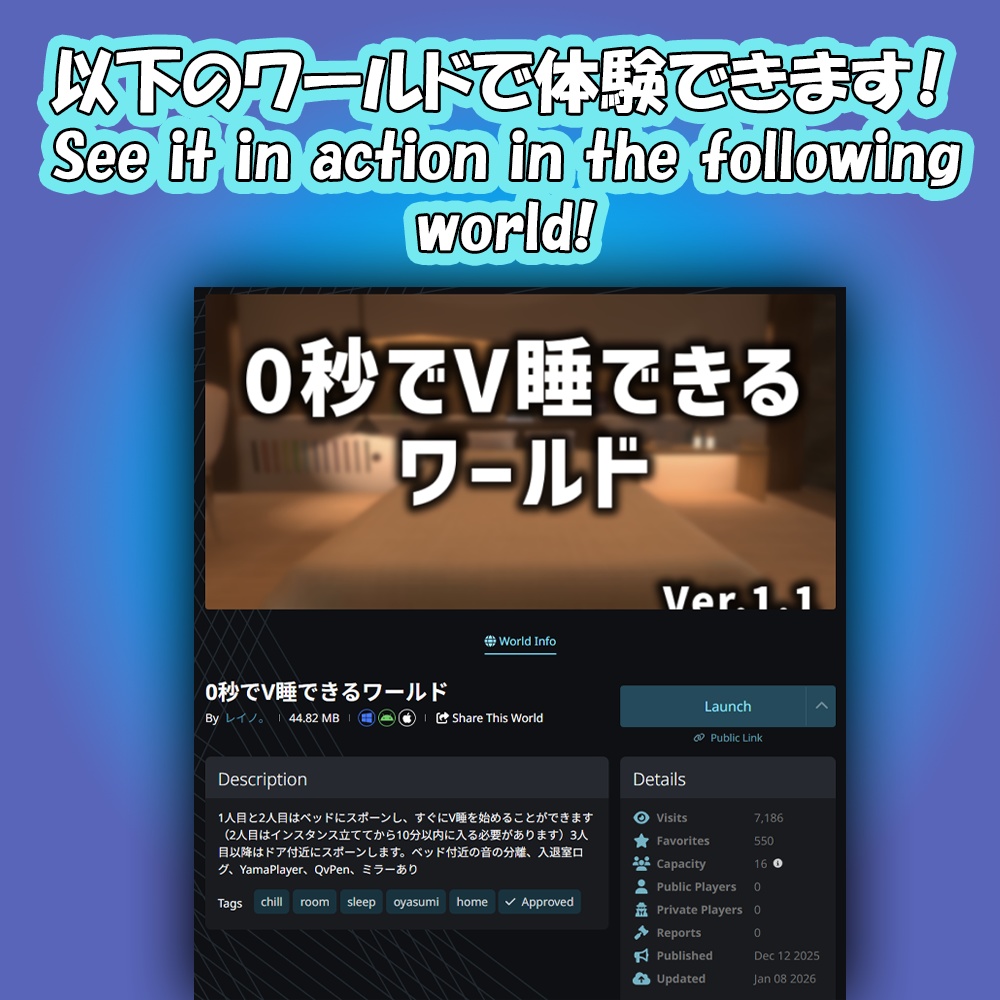
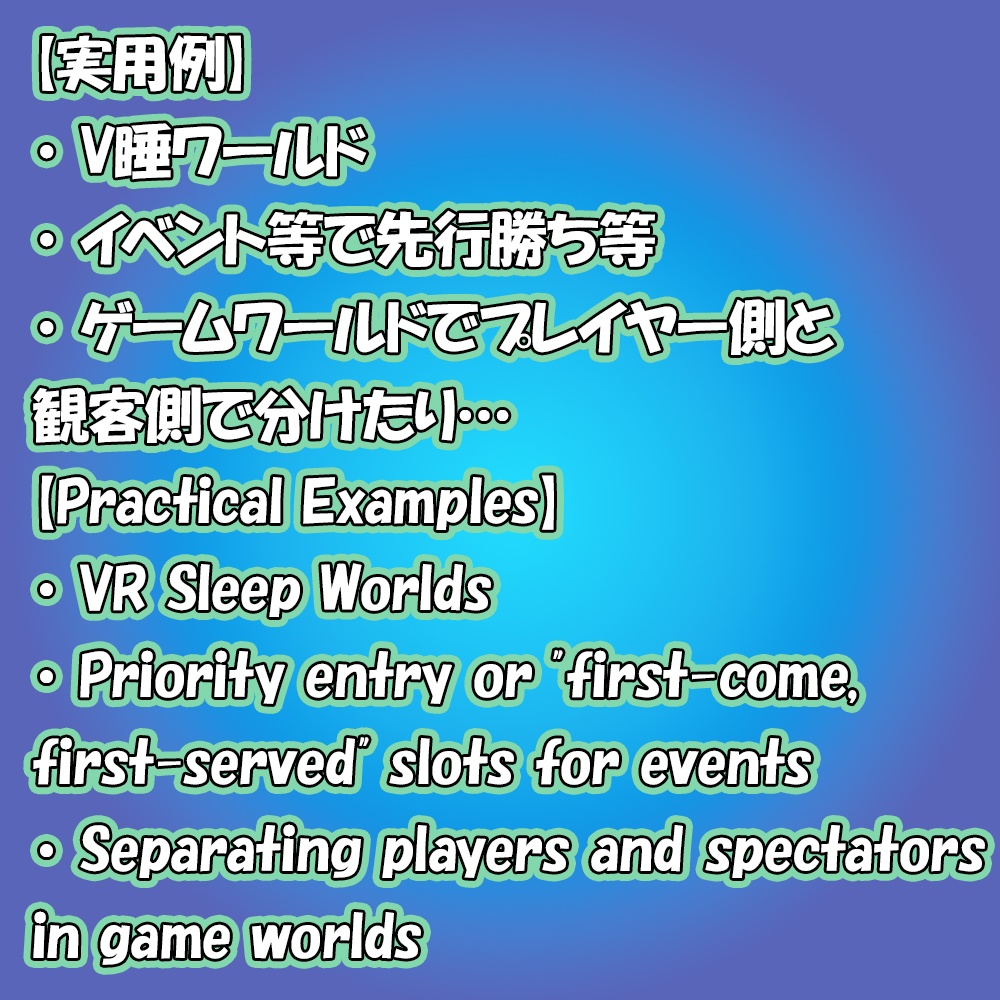
-日本語- VRChatのワールド制作において、複数プレイヤーのスポーン位置を柔軟にコントロールするためのUdonギミックです。 リジョイン時の位置記憶や、時間制限付きの優先スポーン位置など、イベントやV睡に必須の機能を詰め込みました。 実際に「0秒でV睡できるワールド」で採用されています。(7000Visits 突破!ありがとうございます!) ワールドリンクは↓から飛べます。 https://vrchat.com/home/world/wrld_2dc4d31a-37fe-41a5-b888-39402b844837/info ※サムネのアバターは付属しません。 -English- This is a Udon system designed to give you flexible control over player spawn positions in VRChat. It is packed with essential features for events and VR sleeping, including position memory for rejoining and time-limited priority spawn points. This system is currently implemented in the world "0-Second VR Sleep World" (0秒でV睡できるワールド). We've surpassed 7,000 visits! Thank you so much for your support! Check out the world here: https://vrchat.com/home/world/wrld_2dc4d31a-37fe-41a5-b888-39402b844837/info *Note: The avatar used in the thumbnail is not included in this product.
【動作環境・Operating environment】
・VRChat SDK 3.10.1
【内容物・Contents】
・Licenses(利用規約等) ・多機能スポーン管理システム_Ver_X.unitypackage
【使い方・Setup】
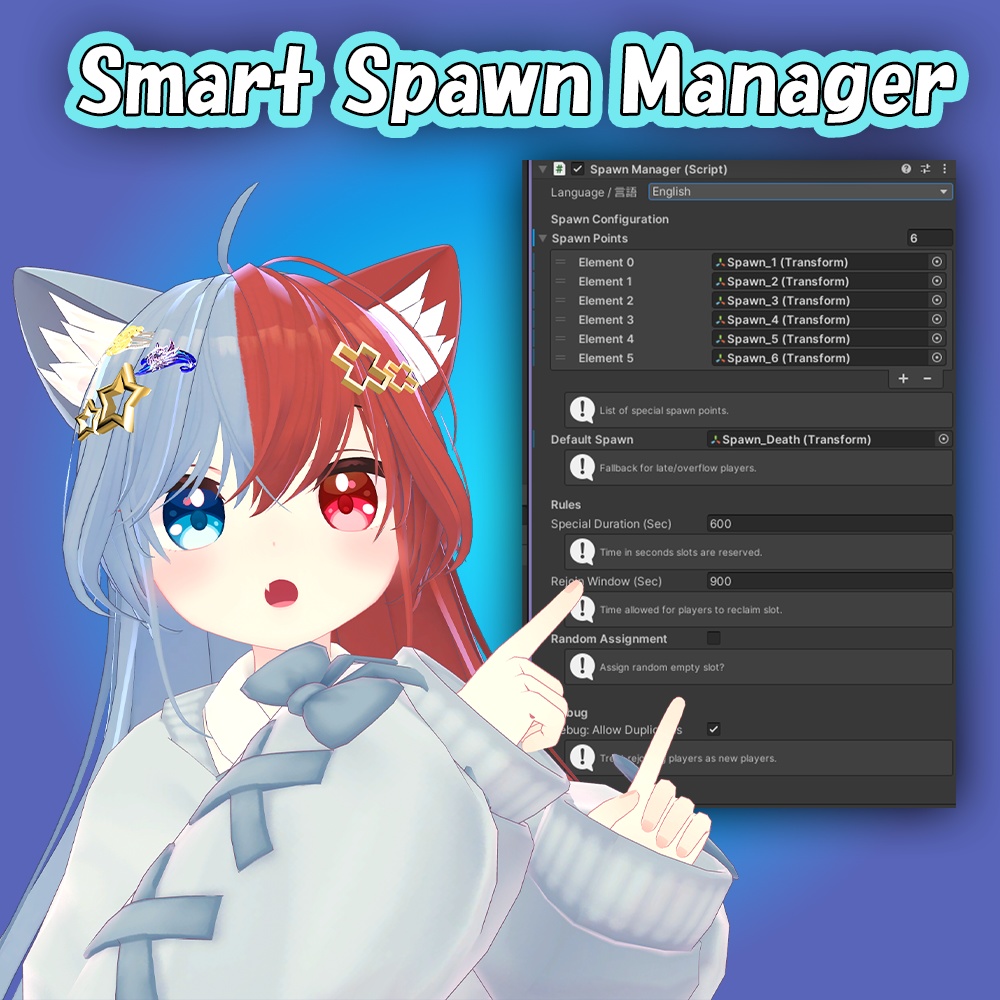
-日本語- 1.「多機能スポーン管理システムVer_X.zip」を展開し、「多機能スポーン管理システム_Ver_X.unitypackage」をプロジェクトにインポートします。 2.「レイノのショップ」→「多機能スポーン管理システム」→「Prefab」フォルダの中にあるSmartSpawnManagerプレハブをシーンにドラッグ&ドロップします。 3.Demoでどういう風に動いているか確認するか、下記の作成方法に従って作成してください。 【スポーン設定】 ・ヒエラルキーで空のGameObjectを作成し、プレイヤーを出現させたい場所に配置します。(Y軸の回転で向きも指定できます) 必要な数だけ複製してください。 ・SmartSpawnManagerのInspectorにある「特別枠のスポーン地点」のサイズを変更し、作成したGameObjectを登録します。 ・デフォルト地点の設定 「通常スポーン地点」に、あふれた人や遅刻した人が出現する待機場所(GameObject)を登録します。 ※これを設定しないとエラーになります! 【ルール設定】 ・特別枠の有効時間: 最初の何秒間だけ特別枠を有効にするか(0なら無制限) ・復帰猶予時間: 回線落ちから何秒以内なら元の席に戻れるか。 ・ランダム割り当て: ランダムにするか、上から順に埋めるか。 【Debug】 ・Build & Testの時に複数クライアントで確認する際、「同一プレイヤー重複許可」にチェックを入れると、同じ名前でも他人のように扱い、複数人のテストができます。 -English- 1. Extract "多機能スポーン管理システムVer_X.zip" and import "多機能スポーン管理システム_Ver_X.unitypackage" into your Unity project. 2. Drag and drop the SmartSpawnManager prefab from レイノのショップ → 多機能スポーン管理システム → Prefab folder into your scene. 3. Check the Demo scene to see how it works, or follow the setup instructions below. [Spawn Settings] ・Create an empty GameObject in the Hierarchy and place it where you want players to appear. (You can set the player's facing direction using the Y-axis rotation). Duplicate it as many times as needed. ・In the SmartSpawnManager Inspector, adjust the size of "Spawn Points"and assign your created GameObjects. ・Default Location: Assign a GameObject to "Default Spawn". This acts as a waiting area for overflow players or late joiners. *Note: If this is not set, an error will occur! [Rule Settings] ・Priority Active Duration: How many seconds the priority slots remain active at the start (Set to 0 for unlimited). ・Reconnection Grace Period: The number of seconds a player can disconnect and still return to their original spot. ・Random Assignment: Choose between random assignment or filling slots in order from the top. [Debug] ・When testing with multiple clients during Build & Test, check "Allow Duplicate" This treats users with the same name as different players, allowing you to test multiplayer functionality alone.
【注意点・Tips】
-日本語- ・VRCWorldとの関係 VRChatの仕様上、ワールドに入った瞬間は VRCWorld に指定されたスポーン位置に出現します。この後、SpawnManagerが即座にプレイヤーを移動させますが、一瞬だけ初期位置が見えることがあります。VRCWorld は邪魔にならない場所(または通常スポーン地点と同じ場所)に置くのがおすすめです。 ・同期の仕組み プレイヤーIDと名前を組み合わせて厳密な同期を行っていますが、ネットワーク状況が極端に悪い場合は同期に数秒かかることがあります。その間、プレイヤーは待機状態になります。 ・デバッグモードについて Inspector下部の「デバッグ:同一プレイヤー重複許可」は、ワールドをアップロードする際は必ず OFF にしてください! これがONになっていると、リジョイン機能が正しく動作せず、プレイヤーが戻ってくるたびに新しい枠を消費してしまいます。 ・ClientSimについて このギミックはスポーン時に移動する特性上、ClientSimでテストができません! 複数人でテストしたい場合は、SDKの「Build & Test Your World」等で「Clients」を増やしてテストしてください! -English- ・Relationship with VRCWorld Due to VRChat's internal behavior, players initially spawn at the location defined in the VRCWorld (Scene Descriptor). While the SpawnManager moves the player immediately after, they may briefly flicker at the initial position for a split second. We recommend placing the VRCWorld object in an unobtrusive location or at the same position as your "Default Spawn." ・Synchronization Mechanism The system ensures strict synchronization by identifying players through a combination of their Name and PlayerID. However, under extreme network lag, synchronization may take a few seconds. During this time, the player's placement may be delayed until the data is synced. ・About Debug Mode IMPORTANT: Ensure that "Debug: Allow Duplicates" at the bottom of the Inspector is OFF when uploading your world! If enabled, the rejoin feature will not function correctly, and returning players will unnecessarily occupy new spawn slots every time they reconnect. ・ClientSim Compatibility Due to the nature of teleporting players immediately upon spawning, this system cannot be tested within ClientSim. To test multiplayer functionality, please use the SDK's "Build & Test Your World" and increase the "Number of Clients."
【利用規約・ToS】
利用規約は「VN3ライセンス」に基づいて作成されました。以下の言語からご覧くださいませ。 ※更新があった場合は日本語が優先されます。 Note: The Japanese version is authoritative for all updates. 利用規約(日) https://drive.google.com/file/d/1kLRz0qe62X0iVYrzOFSeQjTVqWdi9J58/view?usp=drive_link Terms of Service(EN) https://drive.google.com/file/d/1KcxrdRxS2nIjVlm6kWddCI91AVv3I8Hi/view?usp=drive_link 使用条款(中) https://drive.google.com/file/d/1OeLykS-JGGYfhK_mymiFZ4Toy_kLRJcS/view?usp=drive_link 이용규약(韓) https://drive.google.com/file/d/1_h4hFtrqN4UsjltXV7BFsk-PKJbaXnHE/view?usp=drive_link
【更新履歴・Update】
2026/02/04(JST) Ver.1.0
【権利関係】
「ラスク -Rusk-【Mobile/PC対応 オリジナル3Dモデル】」 https://komado.booth.pm/items/2559783 作者:こまど Twitter:@komado_booth